
Download FTP Manager – Free Secure FTP Client for Windows, Mac & Android
FTP Manager is a powerful, free, and secure file management tool designed for seamless transfer and organization of files across FTP servers. With an intuitive interface and advanced features like multi-server support, user role management, and real-time file synchronization, it stands out as one of the best FTP managers for Windows, Mac, and Android users. No registration required—just download, install, and start managing your remote files effortlessly.
Advanced Features That Make FTP Manager a Top Choice
FTP Manager goes beyond basic file transfer tools by offering a comprehensive suite of features tailored for both casual users and IT professionals. One of its standout capabilities is multi-server management—users can connect to multiple FTP, SFTP, and FTPS servers simultaneously, making it ideal for web developers, system administrators, and digital content managers who juggle several projects. The software supports drag-and-drop file transfers, batch operations, and file filtering, significantly reducing the time spent on repetitive tasks.
Another key feature is the built-in user account system, which allows administrators to create multiple user profiles with customizable permissions. This is especially useful for teams managing shared hosting environments or collaborative websites. For example, one user might have read-only access, while another can upload and delete files. This granular control enhances security and prevents accidental data loss.
Additionally, FTP Manager includes a powerful search function that scans both local and remote directories in real time, helping users locate files quickly. The app also supports automatic backups, file synchronization, and logging of all transfer activities—essential for compliance and auditing. With no ads, no in-app purchases, and no registration required, FTP Manager delivers premium functionality at zero cost. Whether you're managing a small personal site or a large enterprise server, this tool adapts to your workflow seamlessly.
Easy Installation and Intuitive Usage for All Skill Levels
Getting started with FTP Manager is a breeze. After downloading the installer from the official website, the setup process takes less than two minutes. The installer is lightweight, secure, and compatible with Windows 7 through Windows 11, ensuring broad accessibility. Once installed, the clean, modern interface greets users with a dual-pane layout—ideal for comparing local and remote directories side by side.
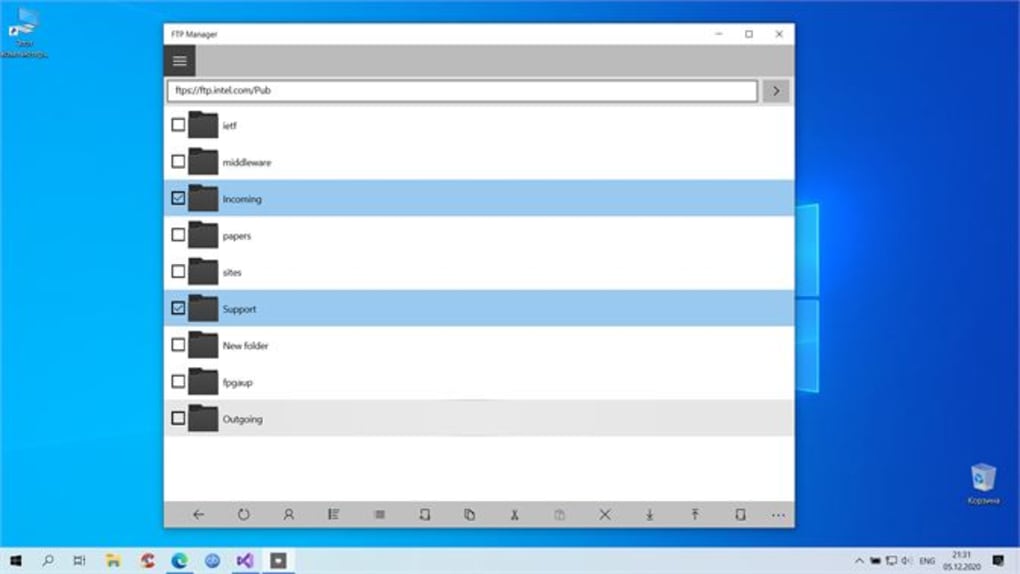
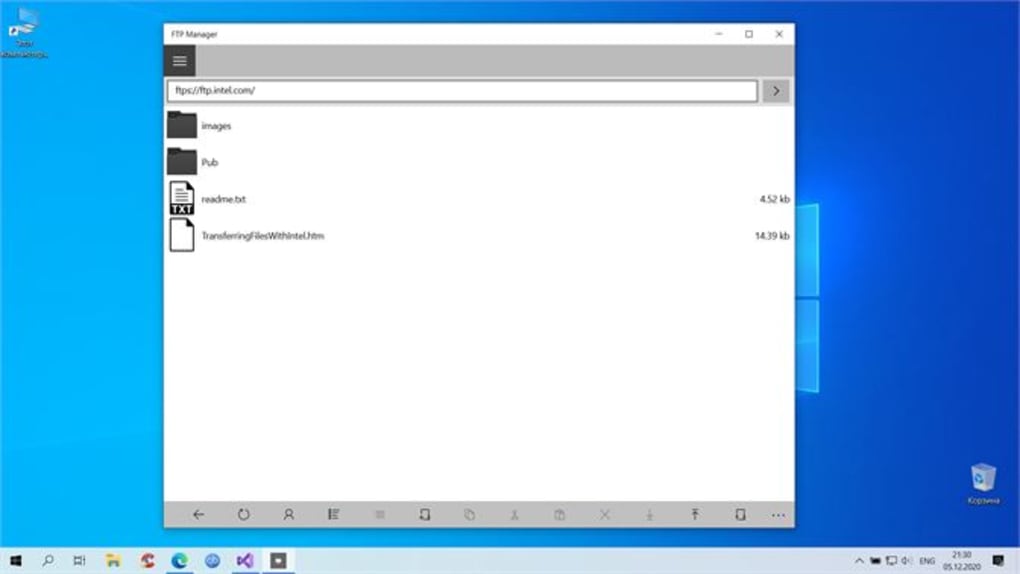
Connecting to an FTP server is as simple as entering the server address, username, password, and port number. The app remembers your connections, so you can reconnect with a single click. For added convenience, you can save connection profiles with custom icons and notes. The toolbar includes clearly labeled buttons for common actions: upload, download, create folder, rename, and delete. Right-click context menus offer quick access to advanced options like file permissions, compression, and transfer speed limits.
For beginners, the built-in tutorial and tooltips guide you through each step. Advanced users can customize keyboard shortcuts, enable syntax highlighting for configuration files, and integrate the tool with external editors. The real-time progress bar and transfer queue make it easy to monitor ongoing operations. Even during large file transfers, the app remains responsive, allowing you to continue working without interruptions.
Full Compatibility Across Windows, Mac, and Android Platforms
FTP Manager is designed for cross-platform flexibility, supporting Windows, Mac, and Android devices. This makes it an excellent choice for users who work across multiple operating systems. On Windows, the app integrates smoothly with File Explorer, allowing drag-and-drop functionality and context menu integration. Mac users benefit from native Apple Silicon (M1/M2) support, ensuring optimal performance and battery efficiency.
For mobile users, the Android version brings full FTP functionality to smartphones and tablets. Whether you're on a business trip or managing a site from a coffee shop, you can access your server files, upload updates, or troubleshoot issues in real time. The mobile interface is touch-optimized and includes a compact view mode for smaller screens.
Despite being available on multiple platforms, FTP Manager maintains consistent performance and feature parity. All settings, bookmarks, and transfer logs sync across devices when using the cloud-based profile manager (optional). This ensures a seamless experience whether you're working from your desktop at home or your tablet on the go. The software is regularly updated with security patches and new features, ensuring long-term reliability and protection against vulnerabilities.
Pros and Cons: Is FTP Manager Right for You?
- Pros:
- Free to download and use with no hidden costs
- Intuitive interface suitable for beginners and experts
- Supports FTP, SFTP, and FTPS protocols
- Multi-server and multi-user account management
- Real-time file search and synchronization
- Secure with encryption and transfer logging
- Regular updates and strong community support
- Cons:
- Limited mobile features compared to desktop
- No built-in file preview for images or documents
- Advanced features require some technical knowledge
- Cloud sync is optional, not included in free version
- Minimal documentation for niche configurations
Frequently Asked Questions (FAQ)
Is FTP Manager free to download and use?
Yes, FTP Manager is completely free to download and use. There are no ads, in-app purchases, or trial periods. You can access all core features without registration or payment.
Can I use FTP Manager on Mac and Android?
Absolutely. FTP Manager is available for Windows, Mac (including Apple Silicon), and Android. Each version offers full functionality, though the mobile version has a streamlined interface optimized for touch devices.
Does FTP Manager support secure connections?
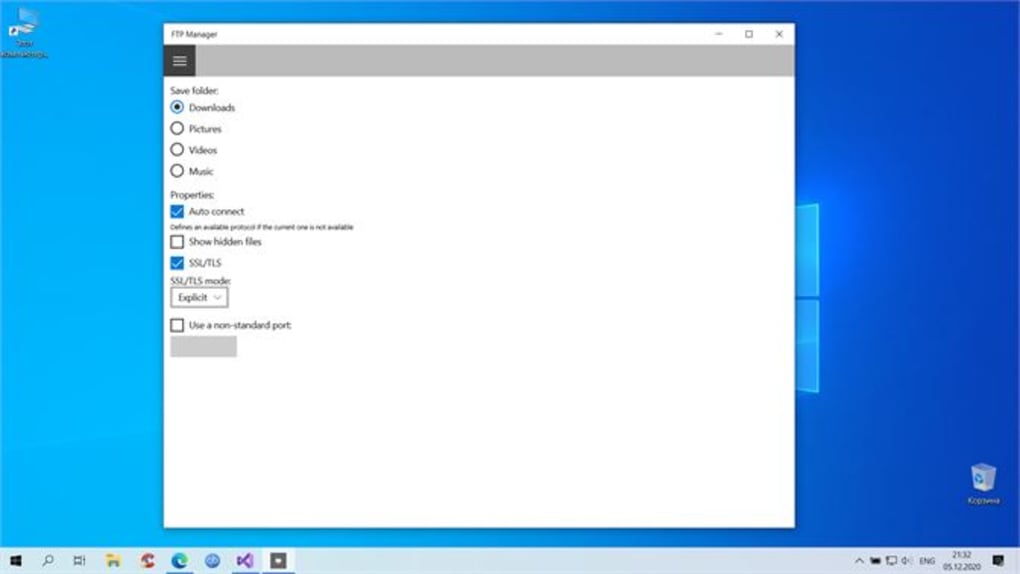
Yes, it supports FTPS (FTP over SSL/TLS) and SFTP (SSH File Transfer Protocol), ensuring your data is encrypted during transfers. This makes it safe for handling sensitive files and complying with data protection standards.
How do I manage multiple users with different permissions?
The built-in user management system lets you create individual accounts and assign specific privileges—such as read, write, or delete access—on a per-directory basis. This is ideal for team environments or shared hosting setups.
Is there a way to sync files automatically between local and remote folders?
Yes, FTP Manager includes a file synchronization feature that can be scheduled or triggered manually. It compares file timestamps and sizes to avoid unnecessary transfers and ensures both locations stay up to date.
Final Verdict: A Must-Have Tool for Secure File Management
FTP Manager stands out as one of the most complete and reliable file management tools available today. Its combination of powerful features, cross-platform compatibility, and a completely free model makes it a top contender for anyone managing files over FTP. Whether you're a web developer, content creator, or IT administrator, this software simplifies complex tasks with ease.
While it may lack some advanced mobile features and file preview options, its core functionality is robust and secure. With regular updates, strong encryption, and a user-friendly design, FTP Manager delivers exceptional value. If you're looking for a secure, fast, and free FTP client that works seamlessly on Windows, Mac, and Android, this is the tool you need.
Download FTP Manager today and take control of your file transfers—no strings attached.







